
How to Reset a Septic Panel Without Making It Worse
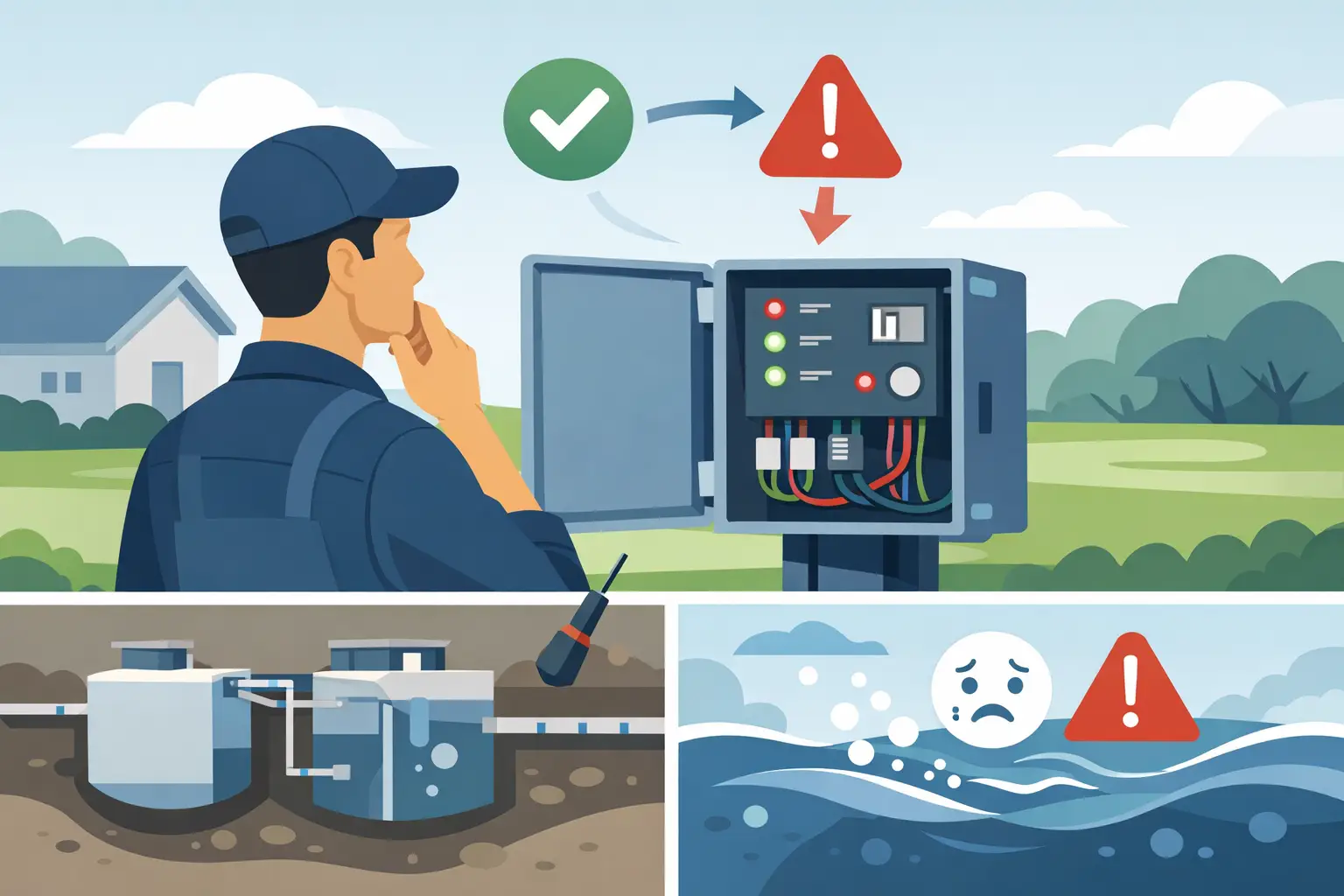
A septic alarm is not a nuisance light to ignore. It is a warning that wastewater may not be moving where it needs to go. The question “how to reset septic panel” usually comes up after an alarm sounds, a red light appears, or a pump stops operating. A reset can be appropriate in limited situations, but it does not fix the problem that triggered the alarm.
If sewage is backing up, water is surfacing over the tank or drain field, or the alarm returns after a reset, stop using water where possible and call a septic system specialist. Continuing to run showers, laundry, dishwashers, or commercial fixtures can turn a manageable repair into a backup, overflow, or property damage event.
What a septic control panel does
Most septic control panels are installed on systems with an effluent pump, sewage pump, grinder pump, or aerobic treatment component. The panel receives signals from floats inside the pump tank and turns the pump on and off as the water level changes. It may also operate a timed dose cycle, control a high-water alarm, and provide a manual pump setting for service.
When the water level reaches the normal operating level, the pump float tells the panel to start the pump. When the level drops, another float tells it to stop. A separate high-water float activates the alarm if the level rises too far.
That alarm can mean the pump has failed, but not always. It can also indicate a tripped breaker, a power outage, a stuck float, a damaged control panel, a blocked discharge line, or an overloaded system. Resetting the panel before identifying the cause may briefly silence the alarm while wastewater continues to rise.
How to reset a septic panel safely
Before touching the panel, look for immediate signs of a serious failure. If wastewater is backing up into sinks, toilets, floor drains, or the building, do not attempt to force the pump to run. If there is standing water around the septic tank, pump tank, or drain field, stay clear of it. Wastewater exposure and electrical equipment are a dangerous combination.
1. Reduce water use first
Stop unnecessary water use before resetting anything. Do not run laundry, take long showers, drain a tub, or start the dishwasher. In a commercial building, limit restroom and kitchen use as much as operations allow.
This step buys time. If the pump is not moving effluent, every gallon entering the system raises the liquid level in the tank.
2. Check for a power interruption
Many septic alarms occur after a storm, utility outage, or tripped circuit breaker. Confirm whether the home or building has power. Then check the septic pump breaker at the main electrical panel.
If the breaker is tripped, switch it fully to the OFF position and then back to ON one time. Do not repeatedly reset a breaker that trips again. A recurring trip can indicate a failing pump motor, damaged wiring, moisture intrusion, or a short circuit. That requires diagnosis, not more resets.
If your panel has a visible disconnect nearby, make sure it has not been turned off. Some systems have a separate pump disconnect in addition to the breaker.
3. Silence the alarm if needed
Most septic panels have an audible alarm silence or reset button. Pressing it usually stops the buzzer but does not correct the high-water condition. The red alarm light may remain on until the water level drops below the alarm float.
Silencing the alarm is reasonable if you have confirmed a temporary power outage and are monitoring the system while power is restored. It is not a reason to resume normal water use if the alarm condition remains active.
4. Reset the panel only once
Some control panels include a reset button, while others reset when electrical power is cycled off and back on. Follow the manufacturer’s label inside or on the door if one is present. Do not guess at switch positions or change timer settings.
A basic reset sequence is to place the pump control in the normal AUTO position, cycle the dedicated breaker OFF for about 30 seconds, then return it to ON. Close the panel securely and wait. If the issue was a temporary power interruption, the pump may begin its normal cycle when the float calls for it.
Do not leave the pump switch in HAND or MANUAL mode. That setting is intended for trained service personnel testing a pump. Leaving it in manual can run the pump dry, damage the motor, or mask a float problem.
5. Watch what happens next
After a reset, monitor the alarm light and listen for pump operation. A working pump may make a low hum or vibration during its cycle, but not every system is loud enough to hear from the panel. The key question is whether the alarm clears and stays clear as the system returns to normal operation.
If the alarm comes back, the breaker trips, the pump hums without moving water, or no pump activity occurs, stop there. The system needs professional troubleshooting.
When you should not reset the septic panel
A reset is not a repair. It should never be used as a repeated workaround for a system that alarms every few days or weeks. Repeated alarms can point to a failing pump, worn float switches, incorrect float settings, an undersized pump, a failing check valve, a blockage in the force main, or a drain field that is no longer accepting effluent.
Call for service immediately if you notice any of these conditions:
- The alarm returns shortly after being silenced or reset.
- The pump breaker trips again.
- Sewage or gray water backs up into the building.
- Water ponds near the tank, pump chamber, or drain field.
- The panel is wet, corroded, burnt-smelling, or damaged.
- You hear a constant alarm after heavy water use or rainfall.
Never open a septic tank or pump chamber to inspect floats yourself. Septic tanks can contain toxic gases, low oxygen, and hazardous biological material. A fall into a tank can be fatal. Licensed septic technicians have the equipment and procedures to inspect pumps, floats, wiring, and tank conditions safely.
Why the alarm may sound after heavy rain or heavy use
Not every high-water alarm starts with an electrical failure. Heavy rain can saturate soil around a compromised tank, riser, lid, or drain field. Excess household water from guests, laundry, leaks, or a running toilet can also overwhelm a system that is already operating near capacity.
In those cases, a panel reset will not solve the underlying issue. The pump may be working correctly while the system lacks a place to send the effluent. A qualified assessment can determine whether the problem is inside the pump tank, along the discharge line, or in the drain field.
For commercial properties, the stakes are higher. A septic alarm at a restaurant, office, rental property, or facility can disrupt operations quickly. Document the time of the alarm, weather conditions, recent water use, and any breaker activity. That information helps a technician narrow down the failure faster.
What a septic technician checks
A proper service call goes beyond pushing a reset button. The technician should verify incoming power, check the panel components, test the pump circuit, inspect float operation, and measure whether the pump is moving effluent as designed. They may also inspect the tank level, check valves, force main, alarm function, and drain field conditions.
The right repair depends on the finding. A failed float switch is different from a seized pump motor. A damaged control panel is different from a blocked discharge line. Replacing parts without diagnosis can waste money and leave the original failure unresolved.
Aquamatic specializes in septic and wastewater system failures, including pump replacement, control panel repair, alarm troubleshooting, and system assessments. If your panel will not reset, or it resets and alarms again, treat it as a service issue rather than a reset problem.
The safest move is simple: reduce water use, reset only once after checking power, and get qualified help if the alarm does not clear. A fast diagnosis protects your property, your health, and the rest of the septic system.